

GET STARTED
Set Up Tutorial For First Timers
1. POWER UP
Press power button & wait.
Everything needed will load from the power button.

2. USE TOUCHSCREEN
Use right touchscreen above to navigate playing options.
3. PLACE BALL
Place in the middle of the strike mat, in line with the golf sim.
4. PLAY
Place in the middle of the strike mat, in line with the golf sim.
ENDING YOUR SESSION
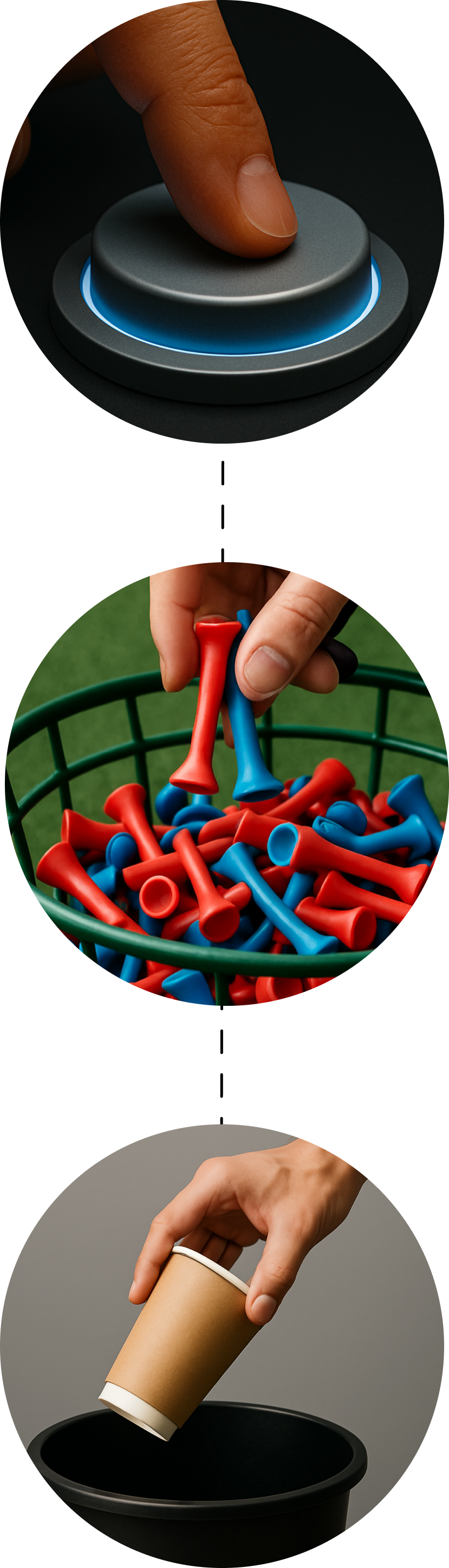
1. POWER DOWN
Unless there is someone directly after you, press the power button to power down.
2. BALLS, CLUBS, AND TEES
Return balls & tees to containers, and clubs to the bag.
3. CLEAN RUBBISH
Let us know if there has been any food or drink spilt during your session.